
Get Autodesk Flame, a professional finishing, visual effects (VFX), compositing, and color grading software designed for film studios, television production companies, video editors, and visual effects artists.
Autodesk Flame provides a powerful collection of tools for creating high-quality visual effects, advanced compositing, color correction, and professional finishing workflows.
Whether you’re working on cinematic visual effects, commercial productions, television projects, or high-end video post-production, Flame helps you transform raw footage into polished professional content.
2. Main Features
- Visual Effects (VFX): Create professional visual effects for films, commercials, and television productions.
- Advanced Compositing: Combine multiple visual elements, footage, and effects into seamless compositions.
- Color Grading: Adjust colors, contrast, and image appearance to achieve professional visual results.
- 3D Compositing: Work with 3D elements and integrate them into visual effects projects.
- Motion Graphics: Create and enhance animated visual elements.
- Keying & Rotoscoping: Isolate objects, remove backgrounds, and create precise masks.
- Tracking & Stabilization: Track moving objects and stabilize footage.
- Paint & Retouching: Remove unwanted elements and make detailed image corrections.
- Professional Finishing: Prepare high-quality video content for final delivery.
- Production Workflows: Manage complex post-production projects with professional finishing tools.
3. License & Available Versions
- License Type: Genuine Commercial License.
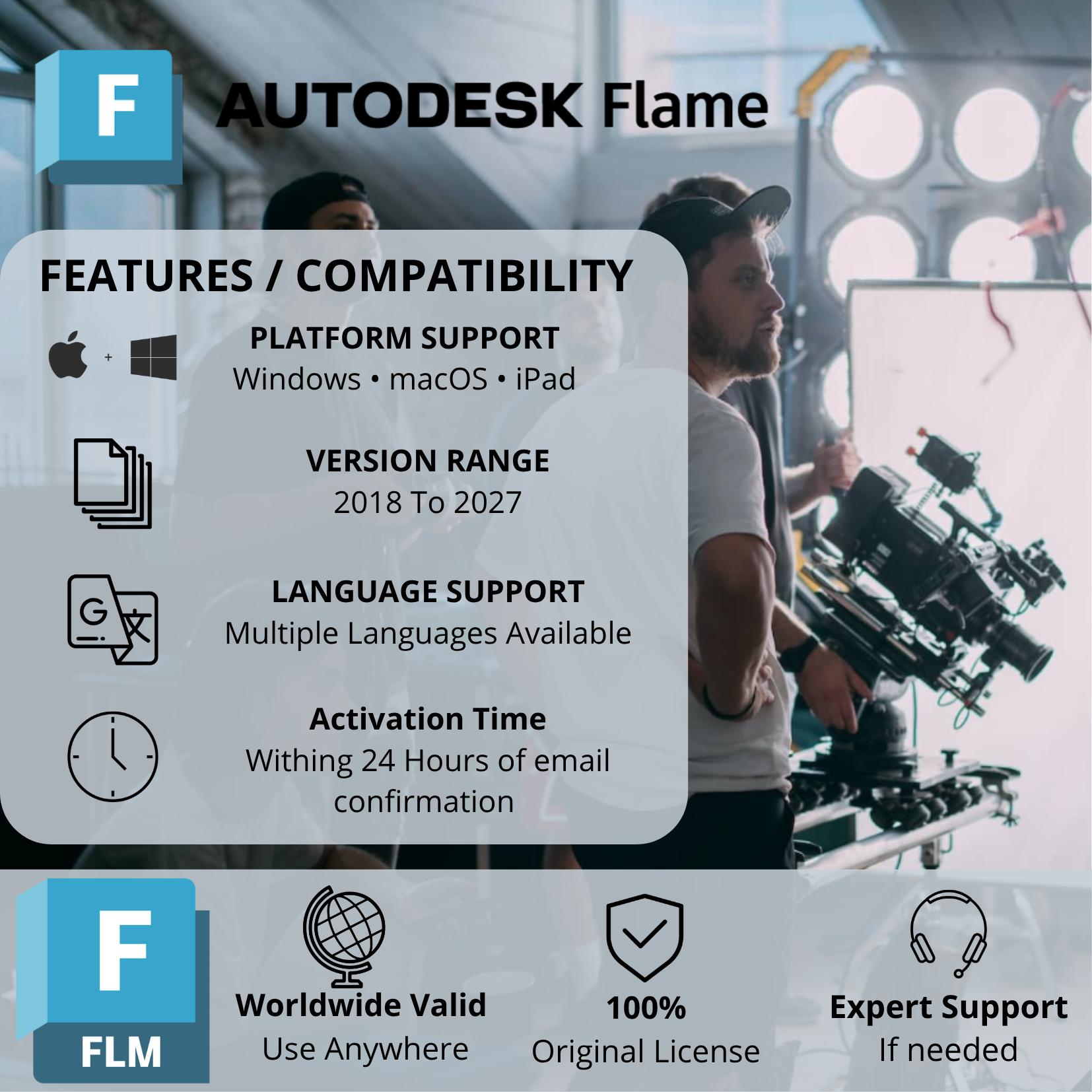
- Available Versions: 2018, 2019, 2020, 2021, 2022, 2023, 2024, 2025, 2026, and 2027.
- Version Selection: Choose your preferred version through our chat support or directly during checkout.
- Activation: Activated using the email address associated with your Autodesk account.
- Delivery Time: Within 24 hours.
- Software Source: Download directly from Autodesk’s official website.
Need a newer version? We can help you upgrade to a newer version or arrange a new license option according to your requirements.
4. Supported Devices & Operating Systems
Autodesk Flame supports professional macOS and Linux workstation environments. It also offers an AWS cloud deployment option.
Supported Devices:
- Compatible Apple Mac computers.
- Professional Linux desktop workstations.
- Certified professional workstations.
- Compatible AWS cloud workstation environments.
Supported Operating Systems – Flame 2027:
macOS:
- macOS Sonoma 14.x.
- macOS Sequoia 15.x.
- macOS Tahoe 26.x.
Linux:
- Rocky Linux 8.10.
- Rocky Linux 9.5.
- Rocky Linux 9.7.
Important Compatibility Notes:
- Autodesk Flame does not offer a native Windows workstation edition.
- Both Apple Silicon and Intel-based Mac systems are supported under the applicable hardware requirements for Flame 2027.
- Apple Silicon requires an Apple M-series processor.
- Intel-based Macs require a compatible 64-bit Intel processor.
- Linux installations require compatible professional workstation hardware and supported NVIDIA graphics.
- Operating system compatibility depends on the Flame version selected.
5. System Requirements – Flame 2027
Autodesk Flame 2027 has separate system requirements for macOS and Linux.
A. Linux Workstations
| Component | Minimum | Recommended |
|---|---|---|
| Operating System | Rocky Linux 8.10, 9.5 or 9.7 | Supported Rocky Linux release |
| Processor | 64-bit multi-core CPU | Professional multi-core workstation CPU |
| RAM | 64 GB | 96 GB or more |
| Graphics Card | NVIDIA RTX Series | Professional NVIDIA RTX workstation GPU |
| Display Resolution | 1920 × 1080 at 60 Hz | Up to 4096 × 2140 at 60 Hz |
| Storage | 20 GB free space | High-speed storage |
Additional Information:
- XFS disk format is required.
- An ALSA-compatible audio device is required.
- A US keyboard and mouse are required.
- A Wacom Intuos tablet is recommended.
- High-speed external storage is recommended for professional media workflows.
B. Mac Workstations
| Component | Apple Silicon | Intel-based Mac |
|---|---|---|
| Processor | Apple M-series | Intel 64-bit CPU |
| RAM | 32 GB unified minimum | 32 GB minimum |
| Recommended RAM | 96 GB unified or higher | Depends on workstation configuration |
| Graphics | Apple M-series unified GPU | Native Mac graphics card with 8 GB minimum |
| Storage | 20 GB free space | 20 GB free space |
| Display | 1920 × 1080 at 60 Hz minimum | 1920 × 1080 at 60 Hz minimum |
Recommended Apple Silicon Configuration:
- Apple M3 Ultra or higher.
Important: These specifications are for Flame 2027.1. Older versions have different operating system and hardware requirements. Always check Autodesk’s documentation for your selected release before installation.
6. How Does the Activation Process Work?
Getting started is simple:
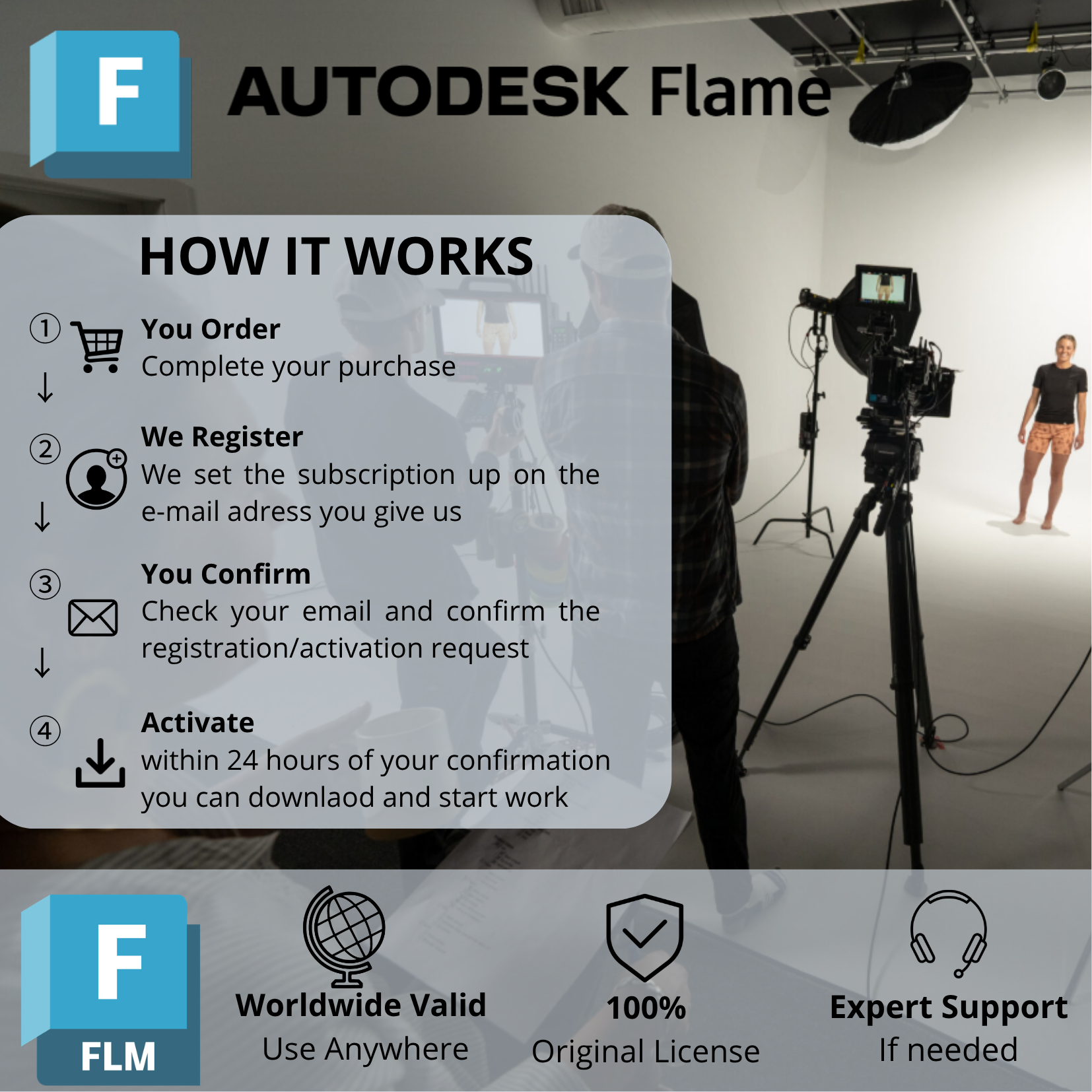
Step 1 – Choose Your Version
Select your preferred Autodesk Flame version (2018–2027) through our checkout page or contact our chat support.
Step 2 – Provide Your Email
Submit the email address associated with your Autodesk account during checkout or through our chat support.
Step 3 – License Activation
Our team processes your license activation.
Step 4 – Receive Confirmation
You will receive a follow-up email from us once the activation process is completed.
Step 5 – Download & Install
Download Autodesk Flame directly from the official Autodesk website and install your selected version on a compatible workstation.
Delivery Time: Within 24 Hours.
7. Important Information
- Genuine commercial license, not a cracked or pirated version.
- Not an educational or student license.
- Official Autodesk software download.
- Choose your preferred version through checkout or chat support.
- Email address linked to your Autodesk account is required for activation.
- Upgrade assistance and alternative license options are available according to your requirements.
- Make sure your workstation meets the requirements of your selected version.
- Flame is designed for professional macOS and Linux environments, not native Windows installation.
8. Why Choose Our Service?
We aim to make your Autodesk Flame purchase simple and convenient, with:
- Genuine commercial licensing.
- Multiple versions available from 2018 to 2027.
- Flexible version selection.
- Simple email-based activation.
- Delivery within 24 hours.
- Official Autodesk software download.
- Assistance with version selection and upgrade options.
Choose your preferred Autodesk Flame version and take your visual effects, compositing, and post-production projects to the next level!
Reviews
There are no reviews yet.