
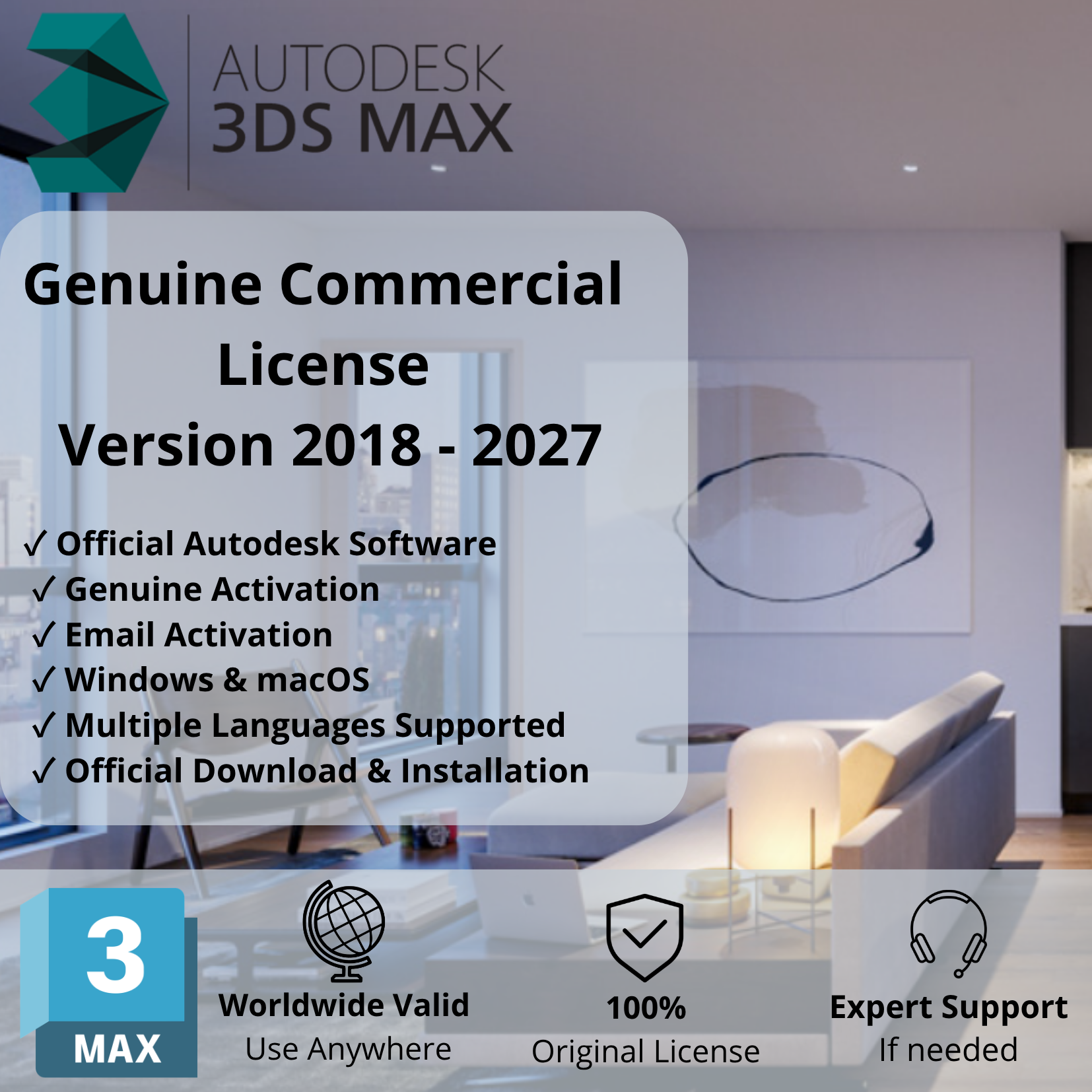

Get Autodesk 3ds Max, a professional 3D modeling, animation, rendering, and visualization software designed for 3D artists, architects, game developers, designers, and visualization professionals.
Autodesk 3ds Max provides powerful tools to create realistic 3D environments, characters, objects, animations, and architectural visualizations.
Whether you’re working on architectural projects, product visualization, game assets, or cinematic animations, 3ds Max gives you the tools to transform your creative ideas into detailed 3D results.
2. Main Features
- 3D Modeling: Create detailed 3D objects, environments, and complex models.
- Polygon Modeling: Build and modify detailed 3D geometry.
- 3D Animation: Create character animations, object movements, and visual sequences.
- Rendering: Produce realistic images and professional-quality visualizations.
- Materials & Textures: Apply materials, textures, and surface details to your models.
- Lighting: Create realistic lighting environments and visual effects.
- Architectural Visualization: Design and visualize buildings, interiors, and landscapes.
- Particle & Simulation Effects: Create dynamic visual effects and simulations.
- Game Asset Creation: Develop 3D assets for games and interactive projects.
3. License & Available Versions
- License Type: Genuine Commercial License.
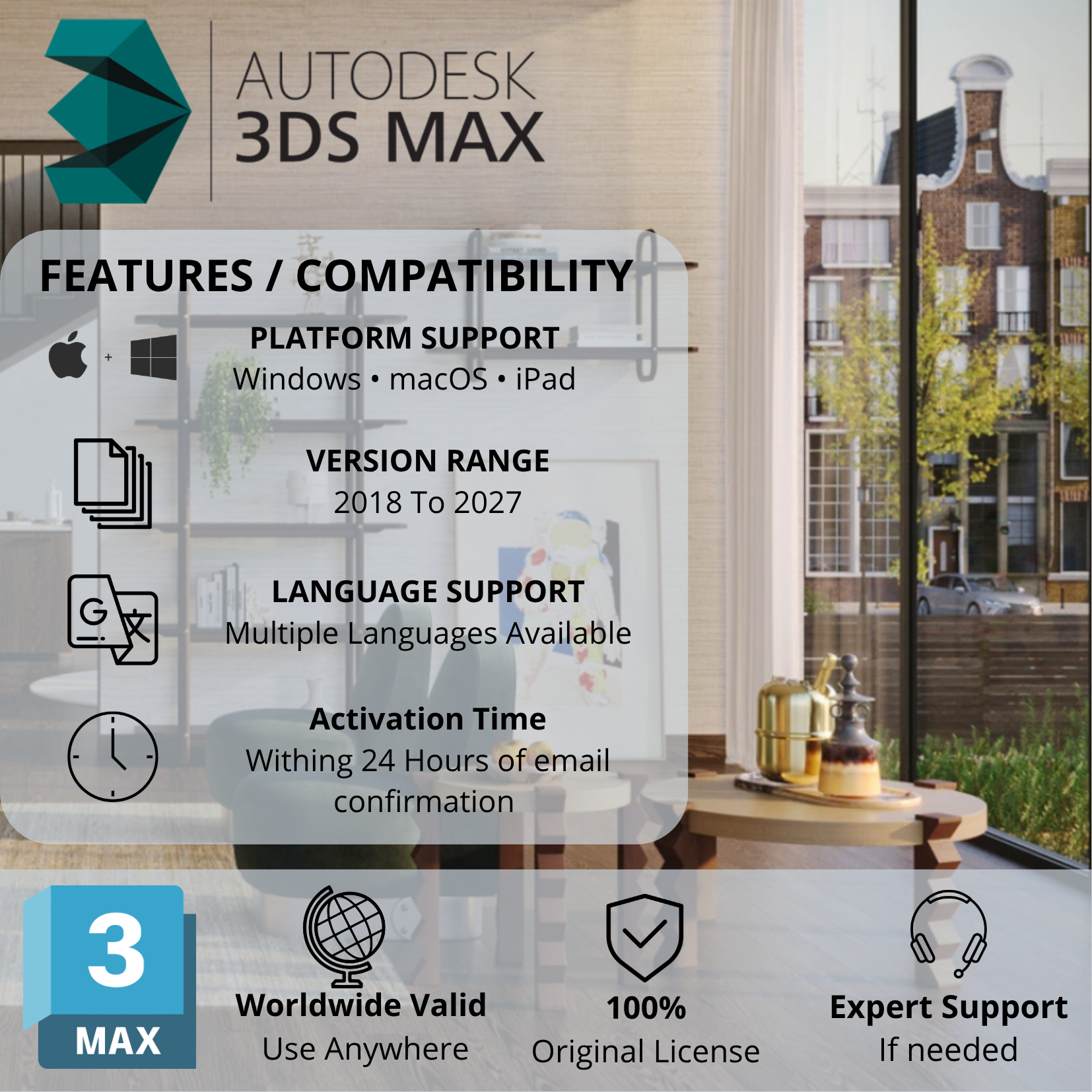
- Available Versions: 2018, 2019, 2020, 2021, 2022, 2023, 2024, 2025, 2026, and 2027.
- Version Selection: Choose your preferred version through our chat support or directly during checkout.
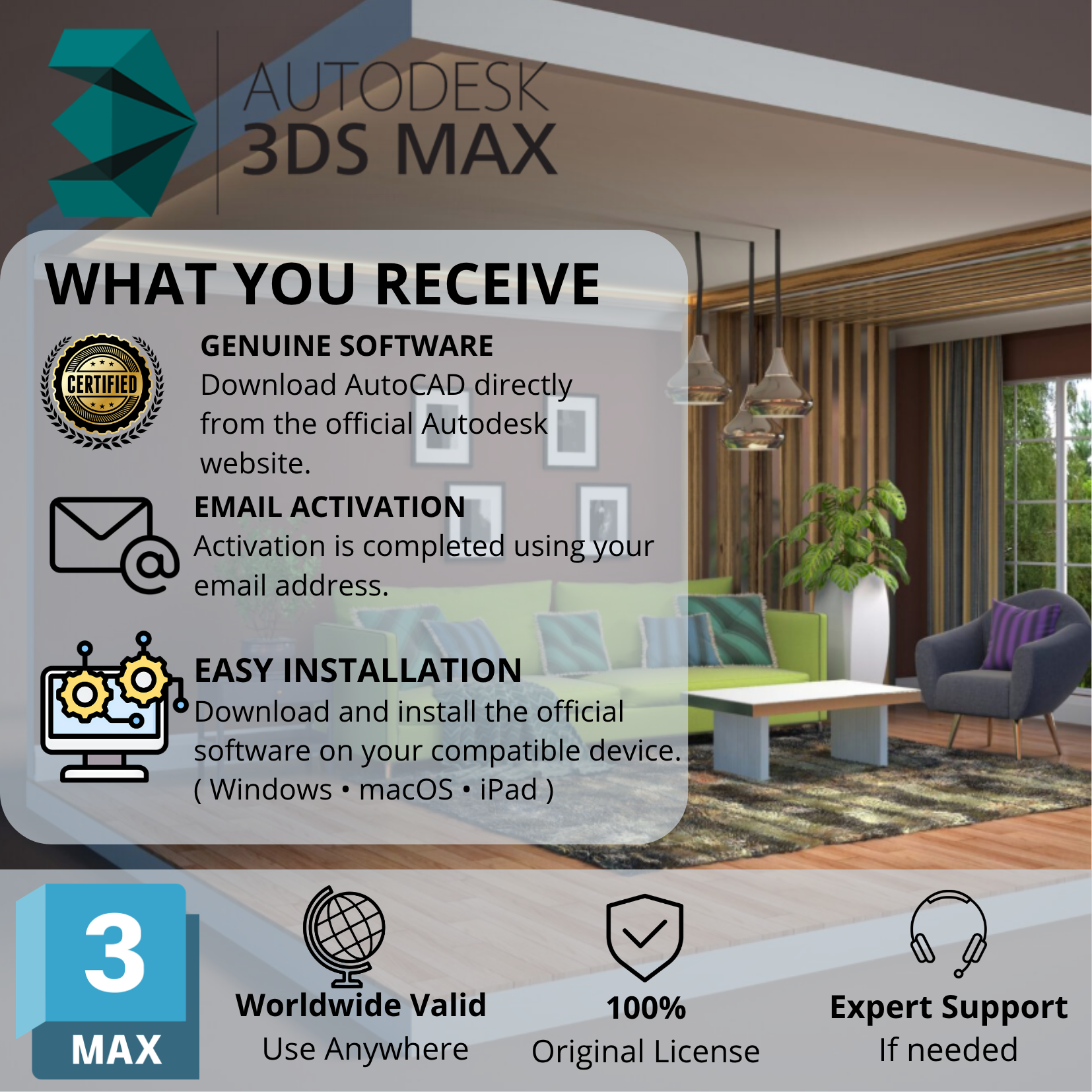
- Activation: Activated using the email address associated with your Autodesk account.
- Delivery Time: Within 24 hours.
- Software Source: Download directly from Autodesk’s official website.
Need a newer version? We can help you upgrade to a newer version or arrange a new license option according to your requirements.
4. Supported Devices & Operating Systems
Supported Devices:
- Windows desktop computers.
- Windows workstations.
- Windows laptops.
Supported Operating Systems:
Autodesk 3ds Max is designed for Microsoft Windows 64-bit systems. Supported Windows versions depend on the software release you select.
Examples:
- 3ds Max 2027: 64-bit Windows 11.
- 3ds Max 2026: 64-bit Windows 10 (version 1809 or later) and Windows 11.
Important Compatibility Notes:
- Autodesk 3ds Max does not have a native macOS version.
- Mac users may explore running Windows through compatible configurations, subject to hardware and software requirements.
- Tablets and mobile devices are not supported as native 3ds Max installation platforms.
5. System Requirements – 3ds Max 2027
For customers selecting 3ds Max 2027, Autodesk specifies the following minimum requirements:
| Component | Minimum | Recommended |
|---|---|---|
| Operating System | Windows 11 64-bit | Windows 11 64-bit |
| Processor | 64-bit Intel or AMD multi-core CPU with SSE4.2 | High-performance multi-core CPU |
| RAM | 4 GB | 8 GB or more |
| Graphics | Compatible graphics hardware | Autodesk-certified graphics hardware |
| Storage | 9 GB free disk space | Additional space for projects and assets |
| Pointing Device | Three-button mouse | Three-button mouse |
Important: These specifications represent Autodesk’s published baseline requirements. For professional 3D modeling, complex scenes, animation, and rendering, a more powerful processor, additional RAM, and a dedicated graphics card are recommended.
6. How Does the Activation Process Work?
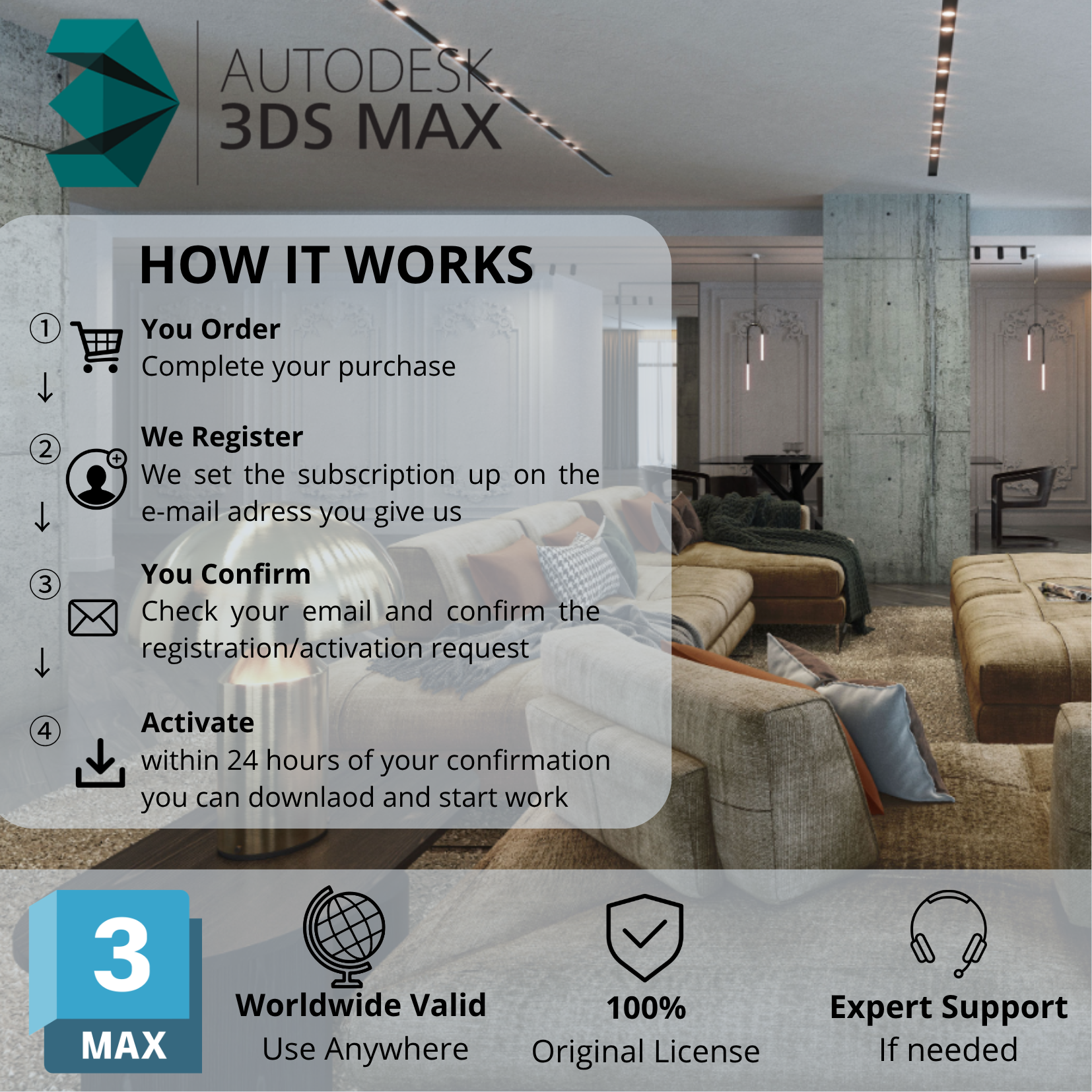
Getting started is simple:
Step 1 – Choose Your Version
Select your preferred Autodesk 3ds Max version (2018–2027) through our checkout page or contact our chat support.
Step 2 – Provide Your Email
Submit the email address associated with your Autodesk account during checkout or through our chat support.
Step 3 – License Activation
Our team processes your license activation.
Step 4 – Receive Confirmation
You will receive a follow-up email from us once the activation process is completed.
Step 5 – Download & Install
Download Autodesk 3ds Max directly from the official Autodesk website and install your selected version.
Delivery Time: Within 24 Hours.
7. Important Information
- Genuine commercial license, not a cracked or pirated version.
- Not an educational or student license.
- Official Autodesk software download.
- Choose your preferred version before activation.
- Email address linked to your Autodesk account is required for activation.
- Upgrade assistance and alternative license options are available according to your requirements.
8. Why Choose Our Service?
We aim to make your Autodesk 3ds Max purchase simple and convenient, with:
- Genuine commercial licensing.
- Multiple versions available from 2018 to 2027.
- Flexible version selection.
- Simple email-based activation.
- Delivery within 24 hours.
- Assistance with version selection and upgrade options.
Choose your preferred Autodesk 3ds Max version and bring your creative 3D projects to life!

Reviews
There are no reviews yet.